Free · for Windows 10 and 11, early builds for Mac and Linux
Arsenal Launcher
Minecraft with Arsenal, set up for you. Pick a version, press Play: Fabric, Arsenal and good performance mods come with it. Or make your own profile with Fabric, Quilt, Forge, NeoForge or Vanilla.
On a phone? The launcher is for your computer: open this page there to download it.
Early Mac build, not signed yet. How to open it the first time
Early Linux build, not signed yet. How to run it
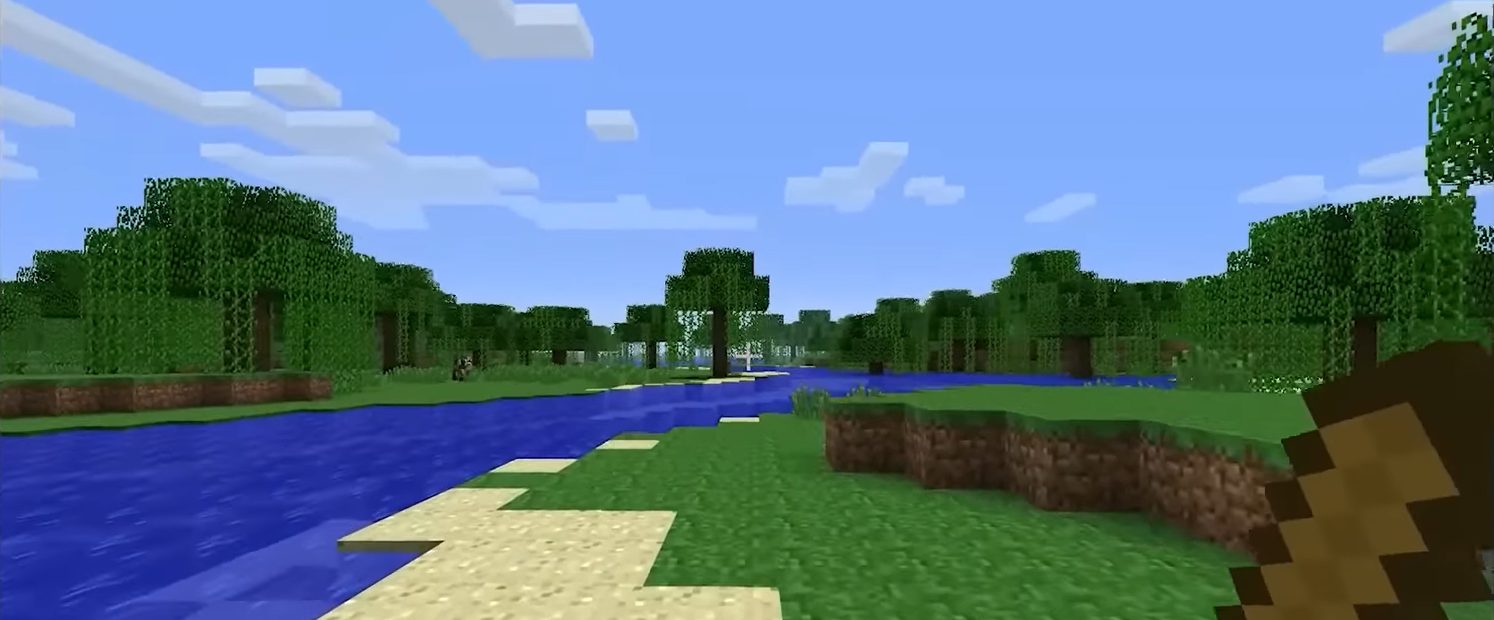
From the Arsenal Practice Bot template
Everything around the game, in one window
No folders to dig through and no mods to match by hand. Each part below lives in the launcher's side bar.
-
Versions
Any version, one click
Pick any Minecraft version from 1.20 to 26.3. The launcher installs it with Fabric, Arsenal and performance mods that work with that version, ready to play.
- Custom profiles: Fabric, Quilt, Forge, NeoForge or plain Vanilla, on any version the loader supports, each with its own folder and the right Java for its Minecraft version
- Instances: set up a version more than once, like "1.21.11 PvP" and "1.21.11 with friends", each with its own mods, worlds, packs and settings
- Desktop shortcuts that start a version, or start it and join a server, with a double-click
- Join last server from Home, and repair a version if something breaks
-
Mods
Mods, resource packs and shaders
Search Modrinth and CurseForge right in the launcher. Results only show what fits the profile's loader and Minecraft version, and Add brings along what a mod needs, checked against its checksum.
- Switch things on or off, and check for updates one by one or all together. Your own files are never touched
- SoloHandCoder's picks: a hand-picked list of mods, packs and shaders worth trying. Tick a few and add them all at once
- When a CurseForge author only allows downloads on their website, a button takes you straight to the page
- Before you play, a check warns about missing dependencies and mods that clash, and offers the fix in one click
- Game crashing? Safe mode starts it without your extra mods, then tests them in halves until it finds the broken one
- Each update saves your mod list first, so one click takes you back if something breaks
-
Mods
Modpacks New
Browse modpacks from Modrinth and CurseForge, filtered by loader and Minecraft version. Pick a version and Install: the launcher downloads the pack and makes a new profile with its own loader, with the speed and time left on screen.
-
Versions
Bring your setup along New
Move a whole setup in or out of the launcher without copying folders by hand.
- Export a version or instance as one .zip: choose the mods, packs, settings and worlds that go in. Mods from Modrinth go in as links, so the file stays small and Prism or Modrinth App can open it too
- Import a .zip, a Modrinth .mrpack or a CurseForge modpack zip as a new profile
- Import from the Minecraft Launcher, Prism, Modrinth App, CurseForge, another instance or any game folder: servers, packs, settings and key binds, worlds, screenshots and more. Anything it replaces is kept in a backup folder
-
Servers
Your own server
Host a Minecraft server on your PC, start it from a template like the Arsenal Practice Bot server, and let friends anywhere join with a free playit.gg account. Full backups, plugins and mods, players and files are all managed from the launcher. More about servers
-
Home
Quests and what's new
Daily and weekly quests on Home, with progress bars, rewards and when they reset. Their credits are added on their own.
- After an update, Home shows once what changed in Arsenal and the launcher
- The current event, with its own touch: pumpkins at Halloween, snowflakes at Christmas
- Announcements from Arsenal show in a banner, like a heads-up when something is slower than usual
-
Skins and Cosmetics
Your look, tried on first
Change your skin and cape with a 3D preview you can turn around. Skins you upload are saved, so you can switch back in one click.
- The Arsenal cosmetics shop: capes, hats, accessories, pets and kill effects, shown on your character before you buy
- Paid for with credits you earn by playing (any server or world, kills on leaderboard servers, quests), with a bonus on weekends and during events
- Short on credits? Buy credits shows the packs, and the checkout opens in your browser: the launcher never asks for payment details
- Sets bundle several items for less, with one set on sale at a time. What you already own comes off the price, and the launcher shows how much. Event items are sold while Halloween, Christmas, Summer and Valentine's events run
- The Achievements tab shows your progress on every achievement, and the reward on your character
-
Friends, Leaders and Gallery
Play with people
See which friends are online and which server they're on. Join starts the right Minecraft version and puts you on their server.
- Message your friends in the launcher, once you've both added each other. Messages are stored encrypted and deleted after 30 days, and you can block or report anyone
- Invite friends to a server you host, and they join with one click
- The Arsenal leaderboards, including achievement points and a weekly board that resets every Monday, and player profiles with their banner, bio and Practice Bot stats
- The gallery of shared HUD themes and setups: likes, downloads, sorting and a page for every creator
- Your Arsenal account settings without another login: public profile, recent fights, achievements showcase, credits and Cloud Backup
-
Worlds
Worlds and backups
Manage your worlds and their backups, and import worlds from other launchers, including Modrinth App and CurseForge.
-
Everywhere
Calm, smooth and up to date
New launcher versions download in the background and install when you close it, never while Minecraft, one of your servers or the playit.gg tunnel is running. Arsenal updates on its own too.
- Offline or Arsenal's website down? Versions, mods, worlds, local servers and settings keep working, and the online pages come back by themselves
- Closed the launcher while playing? It still knows the game is running when you open it again
- Make it yours: themes, accents, a custom background and what shows on Home
- See what takes up space, by instance, world and more
- Smooth pages, dialogs and lists, with "Reduce animations" in Settings if you prefer less motion
- Runs on Windows 10 and 11, with early builds for Mac and Linux
- In English, German, Spanish, French, Italian, Dutch, Polish, Portuguese, Russian, Turkish and Simplified Chinese
- Error reports are off unless you turn them on, and your user folder is left out
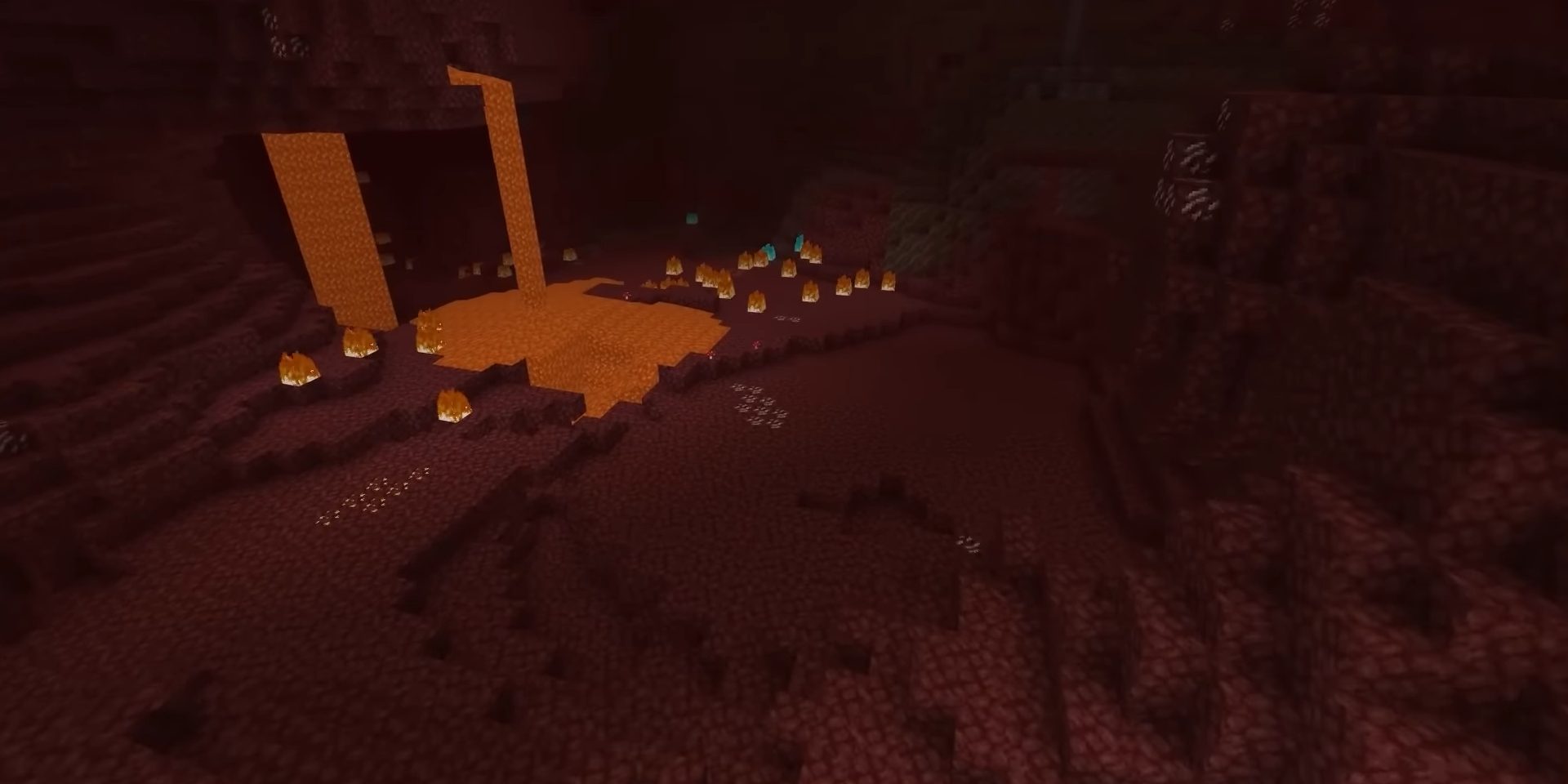
Host your own server
The Servers tab runs a Minecraft server on your PC with the launcher's Java. No separate downloads, no router setup.
Pick a type
Choose the server type and Minecraft version, how much RAM it gets and the port. Then start it, use its console, change server.properties and join it with one click.
- Vanilla
- Paper
- Purpur
- Fabric
- NeoForge
Or start from a template
Install a ready-made server, like the Arsenal Practice Bot server with bots to practise against. You can also install a template from a file.
- Crystal
- Sword
- Mace
- Axe & Shield
- Pot PvP
- TNT Cart
Make it public
Link a free playit.gg account once, turn on Make public and share the address shown on the server's page. Friends anywhere can join while the server runs.
While it runsRAM and CPU useUptimeWorld sizeSmall graphs of the last few minutes
Manage itFull backups on a scheduleFind plugins and modsExtra ports for things like voice chatPlayersFile editor
Playing in three steps
It installs for your Windows user only, so it doesn't need an administrator.
Download and open it
Run the installer from this page. If Windows says it protected your PC, click More info, then Run anyway.
Sign in with Microsoft
Use the account that owns Minecraft: Java Edition. You enter a code on Microsoft's own page; your password never goes through the launcher.
Pick a version, press Play
The first start sets everything up. After that, starting a version you've played before shows how long it usually takes.
About 2× faster to start than a popular PvP client
From pressing Play to the main menu, with PvP mods loaded. Plain Minecraft starts quicker because it loads no mods at all; Arsenal adds Fabric, Arsenal and performance mods and still gets you in fast.
Measured on one PC with Minecraft 26.3 in October 2026, not the first launch (nothing left to download). Times on your PC will differ.
On a Mac
The Mac version is an early build. It works like the Windows one, with a few things still missing.
Opening it the first time
The Mac build isn't signed by Apple yet, so macOS stops it the first time. Open the .dmg and drag Arsenal Launcher to Applications. Then, in Applications, right-click (or Control-click) Arsenal Launcher and choose Open, then Open again.
If macOS still won't open it: go to System Settings → Privacy & Security, scroll down and click Open Anyway. You only do this once.
Apple Silicon or Intel?
Open the Apple menu → About This Mac. If it says Chip: Apple M…, take Apple Silicon. If it says Processor: …Intel…, take Intel.
Not there yet
Make public isn't available on Mac yet, so friends outside your home network can't join your server from a Mac.
Mac builds don't update themselves yet. When a new one is out, download it from this page and drag it to Applications again, replacing the old one.
- Apple Silicon 0.7.32 · 13.6 MB · SHA-256
cce351acbceb824cdae182ea07aa8755dd1297ba2c7506b1b7a0e552ae7222db - Intel 0.7.32 · 14.2 MB · SHA-256
d4ae5b3f23de1bb77ed8624bc2df7753334fb7ee13de6389b3f70a44a6016e9e
On Linux
The Linux version is an early build. It works like the Windows one; take the AppImage, or the .deb on Ubuntu and Debian.
AppImage: runs on most systems
Make it executable, then run it. In most file managers: right-click it → Properties → Permissions, tick Allow executing file as program and double-click it. Or in a terminal, in the folder you downloaded it to:
chmod +x Arsenal-Launcher-0.7.32-x86_64.AppImage
./Arsenal-Launcher-0.7.32-x86_64.AppImage
If it doesn't start and mentions FUSE or libfuse.so.2, install FUSE 2: sudo apt install libfuse2 (libfuse2t64 on Ubuntu 24.04 and newer, sudo dnf install fuse-libs on Fedora).
.deb: Ubuntu, Debian, Linux Mint
In a terminal, in the folder you downloaded it to:
sudo apt install ./arsenal-launcher_0.7.32_amd64.debapt installs what the launcher needs along with it, and Arsenal Launcher shows up with your other apps.
Good to know
The Linux build is early and not signed yet. Only download it from this page; the SHA-256 of each file is below (sha256sum shows yours).
Linux builds don't update themselves yet. When a new one is out, download it from this page and replace the AppImage, or install the new .deb the same way.
Make public works on Linux too, so friends anywhere can join your server.
- AppImage 0.7.32 · 90.5 MB ·
Arsenal-Launcher-0.7.32-x86_64.AppImage· SHA-256f9f0f7304cc370821d319dcb9eda94aff245130134a046996603293794d0b9ba - .deb 0.7.32 · 17.0 MB ·
arsenal-launcher_0.7.32_amd64.deb· SHA-2569b55fc3e0b23b2cf9147382b1b5817878ff779b0851464fbdb674880e6c093be
What's new
Every launcher update, newest first. The launcher shows the same notes when it updates.
Changed
- Small layout touch-ups on the Home, Servers, Mods, Worlds and Cosmetics pages
0.7.64Show
Fixed
- Error reports: notices like "Horizon can only run once" or "Install this version first" and harmless log lines are no longer sent as errors
0.7.63Show
New
- Cosmetics: the Content Creators set shows under Arsenal VIP (only for Arsenal content creators, never sold)
- Cosmetics: pictures, animations and 3D previews for the moderator items (Sentinel Owl, Watchtower Cape) and the creator items (Camera Drone, Live Broadcast Cape, Studio Headphones, Spotlight)
0.7.62Show
New
- Cosmetics: pictures and animations for the Deep Ocean, Enchanting Table and Neon City capes
Changed
- Cosmetics: the new art for 14 capes (Arsenal, VIP, Owner, Champion, Clutch, Collector, Comeback, Enderman, Emerald, Void, Phoenix, Ironclad, Tester and Kingslayer)
0.7.61Show
Fixed
- Cosmetics: the Orbiting Planets and the Living Crown look right in the 3D preview now (the planets circle their sun above your head, the crown blooms and sways)
- Cosmetics: Black Hole, Ascension, Sunset Fade, Solar Flare and Lavender Bloom have their own previews instead of a plain gold burst
0.7.60Show
New
- Cosmetics: 3D previews for the Clockwork Wings, Crystal Wings, Halo of Blades, Baby Phoenix, Lantern Spirit and Mini Ender Dragon, moving just like in the game
0.7.59Show
New
- Cosmetics: pictures for the 16 new admin and giveaway items in Arsenal 1.81.0, with the Supernova, Koi Pond and Northern Forge Capes animated, and 3D previews for Orbiting Planets and the Living Crown
0.7.58Show
New
- Cosmetics: pictures for the karambit collection, the Fade, Damascus, Sakura, Dragon and Emerald Karambits (Arsenal 1.80.0)
0.7.57Show
Changed
- Cosmetics: new pictures for all 47 blades, matching their redesign in Arsenal 1.79.0
0.7.56Show
New
- Cosmetics: the Golden Hour Set and the Lavender Set, with pictures and 3D previews for the Sunset Shades, Lilac Flower Crown, Dusk Wings, Sunbird, Lilac Bunny and Lavender Butterfly
0.7.55Show
New
- Custom versions: Minecraft 1.8.9 with Forge (the launcher installs it for you)
- Custom versions: Legacy Fabric, Fabric for old versions like 1.8.9 and 1.12.2
0.7.54Show
New
- Buying credits or Arsenal VIP opens Tebex's checkout in its own launcher window (close it with its X). When you're done, a loading wheel checks your purchase, then it says Purchase successful
Fixed
- Partners: Visit on a partner with an Arsenal website link showed "Arsenal website pages open inside the launcher." instead of opening it
Questions
Is it safe? Is it signed?
Every update is signed, and the launcher checks that signature against a key built into it before installing anything. An update that doesn't come from Arsenal won't install.
The installer itself isn't signed with a Windows code-signing certificate yet. That's why Windows SmartScreen may warn you the first time: click More info, then Run anyway. Only download the launcher from this page.
Signing in happens on Microsoft's own page, so the launcher never sees your password.
Does it work on Mac or Linux?
Mac: yes, as an early build for Apple Silicon and Intel Macs. It isn't signed by Apple yet, so the first time you open it, right-click it and choose Open (or use Open Anyway in System Settings → Privacy & Security). Make public isn't available on Mac yet, and Mac builds don't update themselves yet: download the new one from this page. More about the Mac build
Linux: yes, as an early build: an AppImage that runs on most distributions (make it executable, then run it), and a .deb for Ubuntu, Debian and Linux Mint (sudo apt install ./ and the file). It isn't signed yet and doesn't update itself yet: download the new one from this page. Make public works on Linux too. More about the Linux build
Do I need a Minecraft account?
Yes. Sign in with the Microsoft account that owns Minecraft: Java Edition. The launcher and Arsenal are free; the game itself is not.
How do updates work?
The launcher checks for a new version when it starts, every few hours, and when you come back to it after a while. The update downloads in the background and installs when you close the launcher (you can turn that off in Settings), or right away from the update bar.
Arsenal itself updates on its own. Mods you added from the Mods page only change when you click Check for updates, or if you turn on "Keep added mods up to date" in Settings.
How does Make public work?
Make public uses playit.gg, a free tunnel service, so friends outside your home network can join without you changing anything on your router.
Link a free playit.gg account in the launcher once. Then turn on Make public on a server's page: the launcher starts the playit.gg agent, creates the tunnel and shows the address to share, like name.tun.ply.gg. The tunnel only runs while the server runs, and the address stays the same next time.
What do cosmetics cost?
Cosmetics are bought with credits, which you earn by playing: 1 credit for every minute you play on any server or in singleplayer, and 5 per kill on leaderboard servers, with a bonus on weekends and during events.
You can also buy credit packs. Credits are for cosmetics only and have no cash value.
Can I use the mod without the launcher?
Yes. Arsenal is a normal Fabric mod: get the jar for your Minecraft version from the downloads and put it in your mods folder next to Fabric API.
I have an idea or found a bug. Where do I send it?
On the Ideas & bugs page. Pick Idea or Bug, describe it, and add your Discord name if you'd like an answer. Every message is read.